How to download a preset from the Style Shop
- Open NC's Style Shop and log in with the account you play on.
- Pick the character that should get the look. Its region and server are set at the top of the page.
- Filter by class and by style, open a look you like and press Download. The count under each look shows how many players took it.
The Style Shop is on NC's AION 2 website: open the Style Shop. Looks can be filtered by region and server, class and style, and each one has Download, Like and Bookmark buttons. View Favorites lists the looks you bookmarked.
How to use a downloaded preset in the game
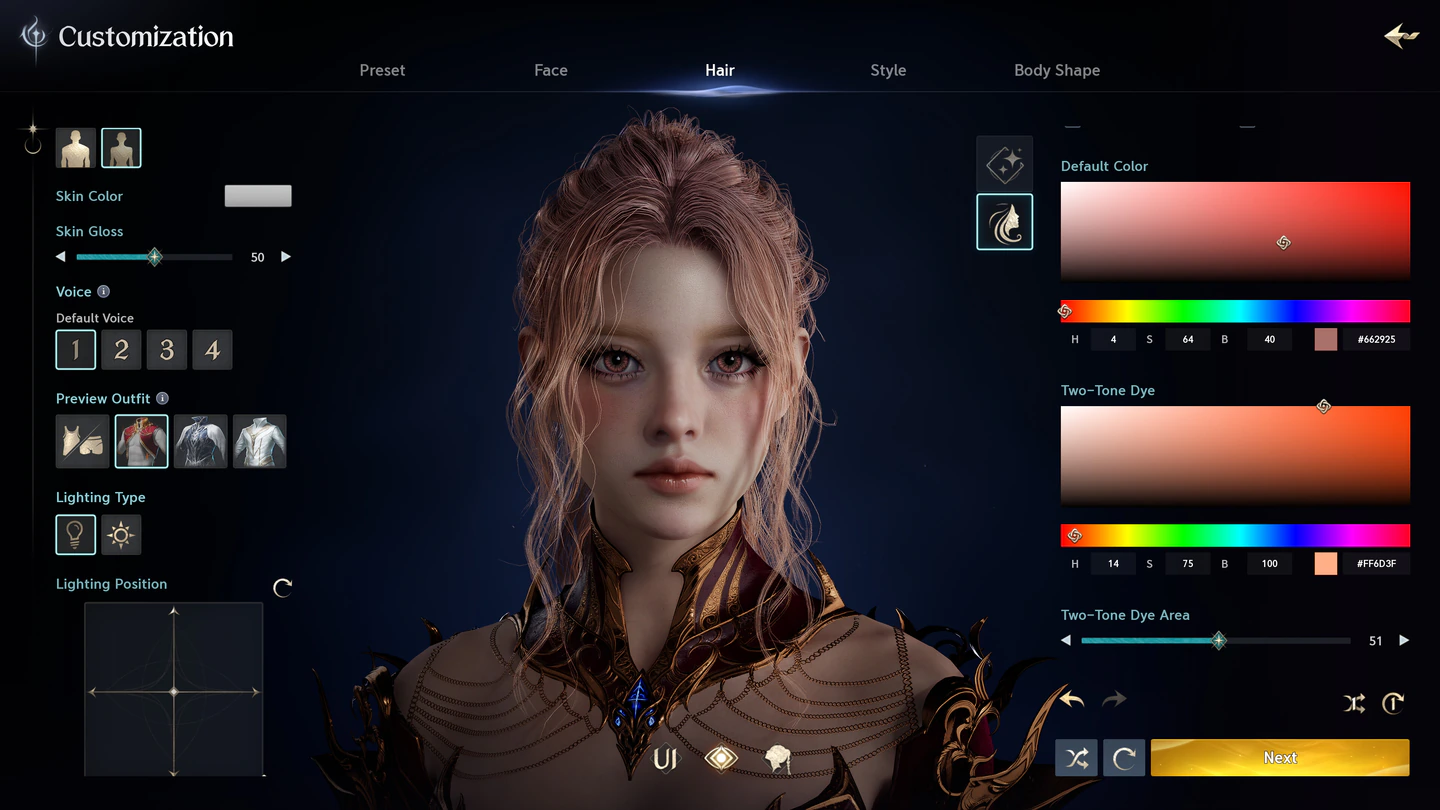
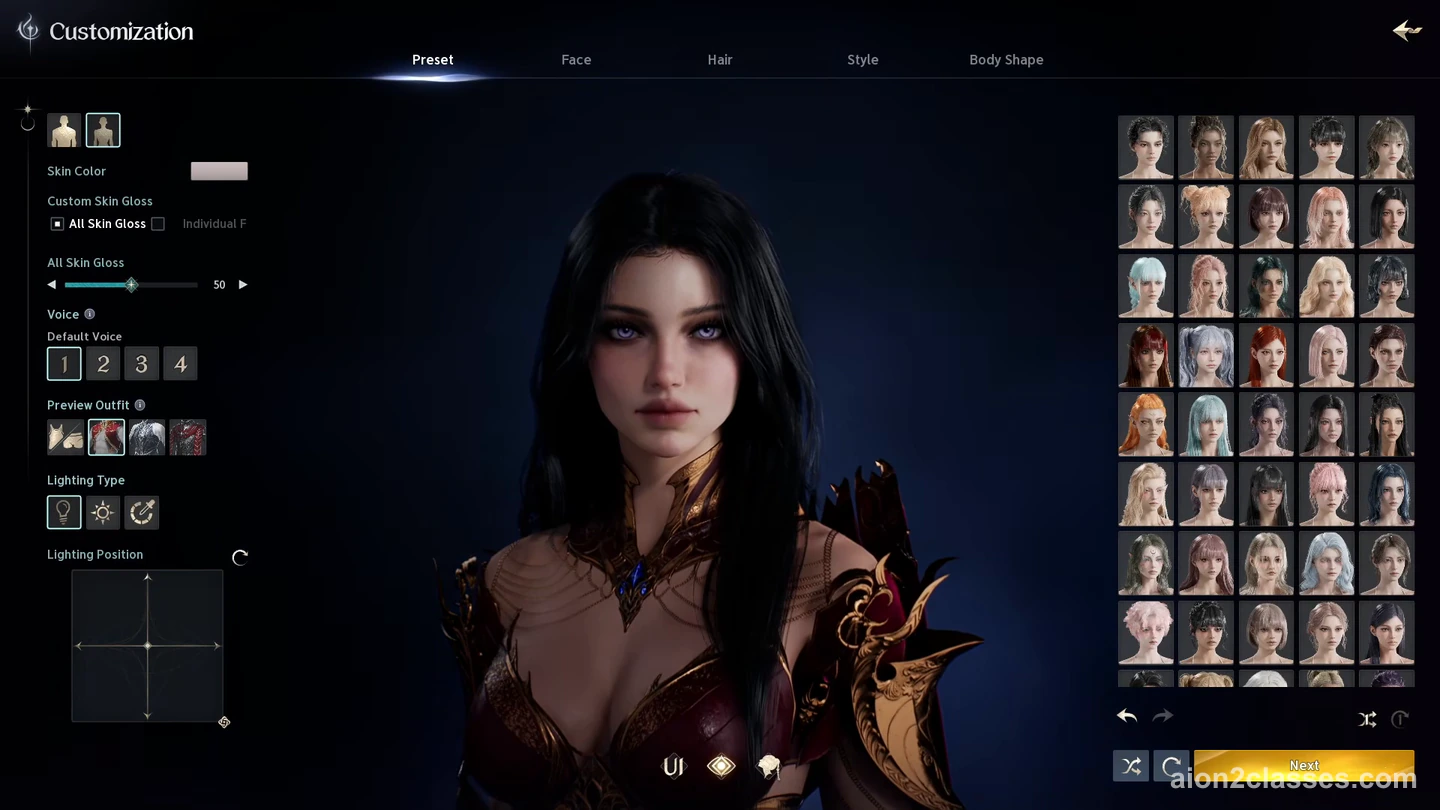
- In the game, press Esc and open Customization.
- Choose Manage Appearance and open the Download Library: the look you downloaded is waiting there.
- Select it to load it onto your character, then confirm the change.
What a preset costs
| Downloading a look | Free, on the Style Shop page |
|---|---|
| Customization menu | Opens at level 10 |
| Each change of look | Appearance change voucher or 600 Quna |
Outfits are a different thing: armor skins are changed in the Closet (Esc > Closet). What the Founder's Packs add to it is on AION 2 membership and Founder's Pack.
Share your own look
Made a face you are proud of? Looks you save in the game go into My Appearances. To let others use one, press Register My Style on the Style Shop page; players then find it by class and style, and the count under it shows how many downloaded it.
Presets and server transfers
- Looks saved in My Appearances and in the Download Library move with the character in a server transfer.
- Looks you registered in the Style Shop can still be downloaded and applied after you transfer.
What else moves with a character, and when NC opens transfers, is on AION 2 server transfer. Every other choice when you make a character, from faction to name, is on AION 2 character creation.
AION 2 character presets FAQ
- How do you download character presets in AION 2?
- Log in to NC's Style Shop on the AION 2 website, pick your character, open a look and press Download. In the game, press Esc, open Customization, choose Manage Appearance and load the look from your Download Library.
- Are AION 2 character presets free?
- Downloading a look from the Style Shop costs nothing. Putting it on your character is a change of appearance: from level 10, when the Customization menu opens, each change takes an appearance change voucher or 600 Quna.
- Where do downloaded presets go?
- Into the Download Library of the character you picked on the Style Shop page. You find it in the game under Customization > Manage Appearance.
- Do presets carry over in a server transfer?
- Yes. Looks saved in My Appearances and in the Download Library move with the character in a server transfer. Looks you registered in the Style Shop can still be downloaded and applied after you transfer.
- How do you share your own look?
- Use Register My Style on the Style Shop page. Other players then find it by class and style and can download it.
Sources
Checked against NC's official posts on November 5, 2026. Everything on this page comes from NC itself; when NC changes something, we update the page and its date.